


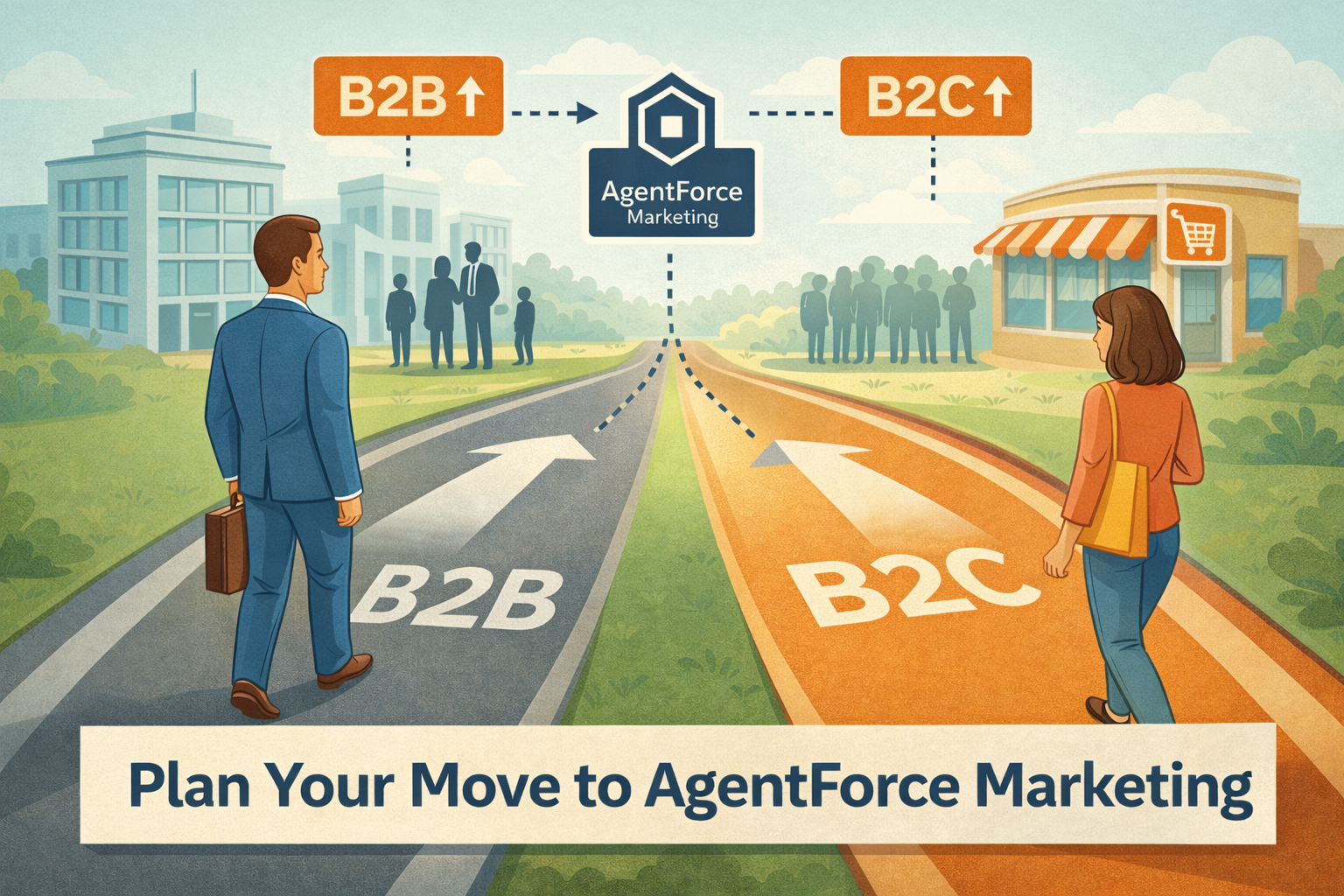
If you’re an existing Salesforce Marketing Cloud Engagement customer starting down the path toward MCE+, Salesforce’s on-ramp to the on-core Agentforce Marketing, the first major step is standing up Data 360 (the artist formally known as Data Cloud).
Data 360 is not difficult to get started with. You can ingest data, create unified profiles, and activate audiences surprisingly quickly. Things do get more complex as you move into AI-driven use cases, but the foundational setup required to support MCE+ is straightforward.
The risk isn’t getting started. The risk is getting started incorrectly.
While most Data 360 mistakes are technically fixable, they are often extremely tedious to unwind. Correcting identity rules, remapping DMOs, rebuilding calculated insights, and cleaning up inflated profile counts can take many hours of effort. It’s far easier to start on the right foot than to back your way out later.
This article focuses on common Salesforce CRM data models and how they should be approached in Data 360, with particular emphasis on Person Accounts, identity modeling, and avoiding architectural traps that limit scalability.
1. Understanding CRM Data Models
Standard Contact Model (B2B)
The Standard Contact Model is the traditional B2B CRM structure:
- Accounts represent companies or organizations
- Contacts represent individuals associated with those companies
- Contacts may relate to multiple accounts
This model is best suited for account-based marketing, complex buying committees, and organizations with parent/child account hierarchies. In this model, the account, not the individual, is the primary anchor.
Person Accounts (B2C)
Person Accounts are a Salesforce abstraction that combines Account and Contact into a single consumer-facing record. Although the Salesforce UI presents this as one record, under the hood Salesforce still creates both an Account record and a Contact record.
Person Accounts are best suited for B2C marketing, subscription businesses, and direct-to-consumer brands. While Salesforce simplifies the UI, Data 360 and Marketing Cloud expose the underlying structure, making correct mapping essential.
2. Data 360 Mapping for B2B (Standard Contact Model)
Recommended Object to DMO Mapping
- Account → Account DMO
- Contact → Account Contact DMO
- Contact → Individual DMO
This dual mapping enables account-level segmentation while preserving individual-level behavior and engagement data.
Account Unification
Account unification consolidates duplicate accounts across systems and supports parent/child hierarchies, subsidiaries, and regional rollups. This is critical for B2B marketing strategies such as ABM, where segmentation often depends on the ultimate parent account or aggregated company attributes.
Identity Resolution Considerations
In B2B environments, contacts may appear under multiple accounts or with multiple email addresses. Identity resolution should unify individuals while preserving their relationships to each account.
Avoid collapsing individuals solely based on shared email domains, which can create inaccurate profiles.
3. Data 360 Mapping for B2C (Person Accounts)
This Is Critical: Using Person Accounts with Data 360
When using Person Accounts, the Individual DMO must represent the human being—not the Salesforce Account abstraction.
When in doubt, remember: people are people, and try not to get this song stuck in your head:
Required Mapping
The safest and most scalable pattern looks like this:
- Map the Contact object to the Individual DMO
- Use ContactId as IndividualId
- Map the Contact object to the Account Contact DMO
- Map the Account object to the Account DMO
This ensures that Data 360 creates one Individual per human, even though Person Accounts technically consist of both an Account and a Contact under the hood.
If the Account object contains customer attributes that do not exist on Contact (for example, a Shopify ID), it is acceptable to also map those Account fields to the Individual as enrichment only. In that case, the PersonContactId must still map to Individual Id so the data enriches the same Individual record.
Under no circumstances should AccountId be used as the Individual Id.
Why This Matters for Activation and Marketing Cloud
This mapping approach naturally results in ContactId being used as the SubscriberKey in Marketing Cloud. For most orgs, this aligns with how Marketing Cloud has historically been implemented using synchronized data extensions, Salesforce Data Entry Events, or Reports and Campaigns in Salesforce Sends.
Using AccountId as the IndividualId introduces serious downstream risk:
- Duplicate SubscriberKeys in Marketing Cloud
- Fragmented unsubscribe management
- Inflated Contact counts (which you will be billed for)
- Limited ability to adopt future Data 360 features such as Flow-triggered journeys
- The loss of Individual Email Results created by Marketing Cloud Connect
4. Hybrid Orgs: Person Accounts and Business Accounts
Some orgs use Person Accounts for consumers while continuing to use the standard Account model for businesses. This hybrid setup is common, and it does not require separate identity strategies.
In these cases:
- Continue mapping Contact → Individual using ContactId
- Map all Accounts (person and business) to the Account DMO
- Use segmentation, filtering, or Data Transforms to distinguish Person Accounts from Business Accounts
The Individual DMO should remain the single representation of a human being across both models. Avoid creating parallel identity paths simply because different CRM account types exist.
Best Practices Summary
- Use ContactId as IndividualId for Person Accounts
- Segment on Unified Account for B2B
- Segment on Unified Individual for B2C
- Keep Account DMOs minimal in B2C implementations
- Design identity resolution rules before activation
- Validate profile counts early and often
Conclusion
Setting up Data 360 is easy. Setting it up correctly is what determines long-term success.
Most Data 360 implementation issues are not caused by missing features. They are caused by early identity and mapping decisions that seemed harmless at the time.
By:
- Treating the Individual DMO as the true person
- Using ContactId as the IndividualId for Person Accounts
- Anchoring B2B strategies on Accounts and B2C strategies on Individuals
You build a Data 360 foundation that is scalable, compliant, activation-ready, and resilient as the platform evolves.
Getting this right early saves countless hours later, and gives your marketing teams the confidence to move fast without breaking things.